Building Apps with o1 Pro Template System
Learn how to use an advanced AI prompt system.
Before You Begin
Overview
5 lessons
15m
An intro and high-level overview of the workflow.
1
Intro
4m
2
Demo
1m
3
Who is this for?
2m
4
Course Goal
1m
5
The Workflow
4m
Course Curriculum
Section 1: The Tools
4 lessons
16m
A guide to the tools we'll be using.
1
Mckay's App Template
4m
2
o1 Pro via ChatGPT
7m
3
Repo Prompt
2m
4
Cursor
2m
Section 2: The 6 Prompts
6 lessons
30m
The prompts we'll be using.
1
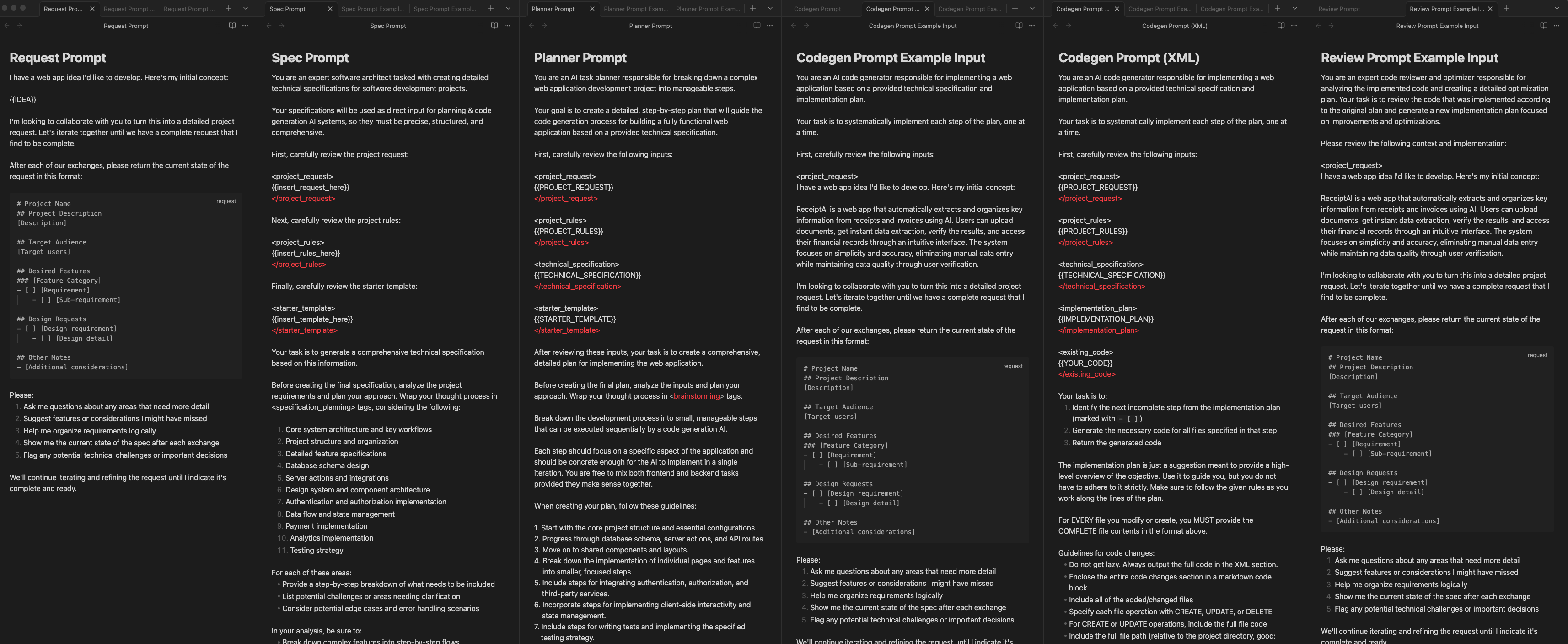
Request Prompt
4m
2
Spec Prompt
7m
3
Planner Prompt
3m
4
Codegen Prompt
9m
5
Codegen Prompt (XML)
3m
6
Review Prompt
2m
Section 3: Project Setup
7 lessons
55m
Everything you need to setup your app.
1
Get Starter Code
7m
2
GitHub Setup
4m
3
Supabase Setup
6m
4
Clerk Setup
4m
5
Stripe Setup
18m
6
OpenAI Setup
0m
7
Vercel Setup
12m
Section 4: Building the App
15 lessons
1h 56m
Using the workflow to build ReceiptAI.
1
Request Prompt
12m
2
Spec Prompt
15m
3
Planner Prompt
9m
4
Step 1
10m
5
Step 2
8m
6
Step 3
3m
7
Step 4
6m
8
Step 5
2m
9
Step 6
5m
10
Step 7
7m
11
Step 8
14m
12
Step 9
8m
13
Step 10
2m
14
Step 11
4m
15
Review Prompt
5m
Section 5: Next Steps
2 lessons
9m
What should you do next?
1
What next?
5m
2
Learning Path Recommendations
3m